

Before three months I don’t even know what is front end framework then I started AngularJS for some 2 to 3 days I cant undertsnd angular formats and directory structor etc.After sometime I started React for some 2 to 3 days and again I cant understand the formats and directory structor etc after then I come to that the problem is not the framework which we are using.the problem is how we learning the framework ???
Apart from that no more reason for me to use ReactJS may be the perfomance,implementaion,plugins and functionality are better then other framework but I’m not sure about that because I didn’t used ReactJS yet.So I’ve trying ReactJS for a while in this blog I’ll explain how setup ReactJS with webpack and babel.
Note: This blog is more suitable for Gnu/Linux based Operating System
To install You can follow the instruction here
Installation Steps Here
or
Another Intallation Steps here
1.Create a new directory using this command
mkdir reactapp
2.move inside to the directory
cd reactapp
3.make it as npm project
npm init
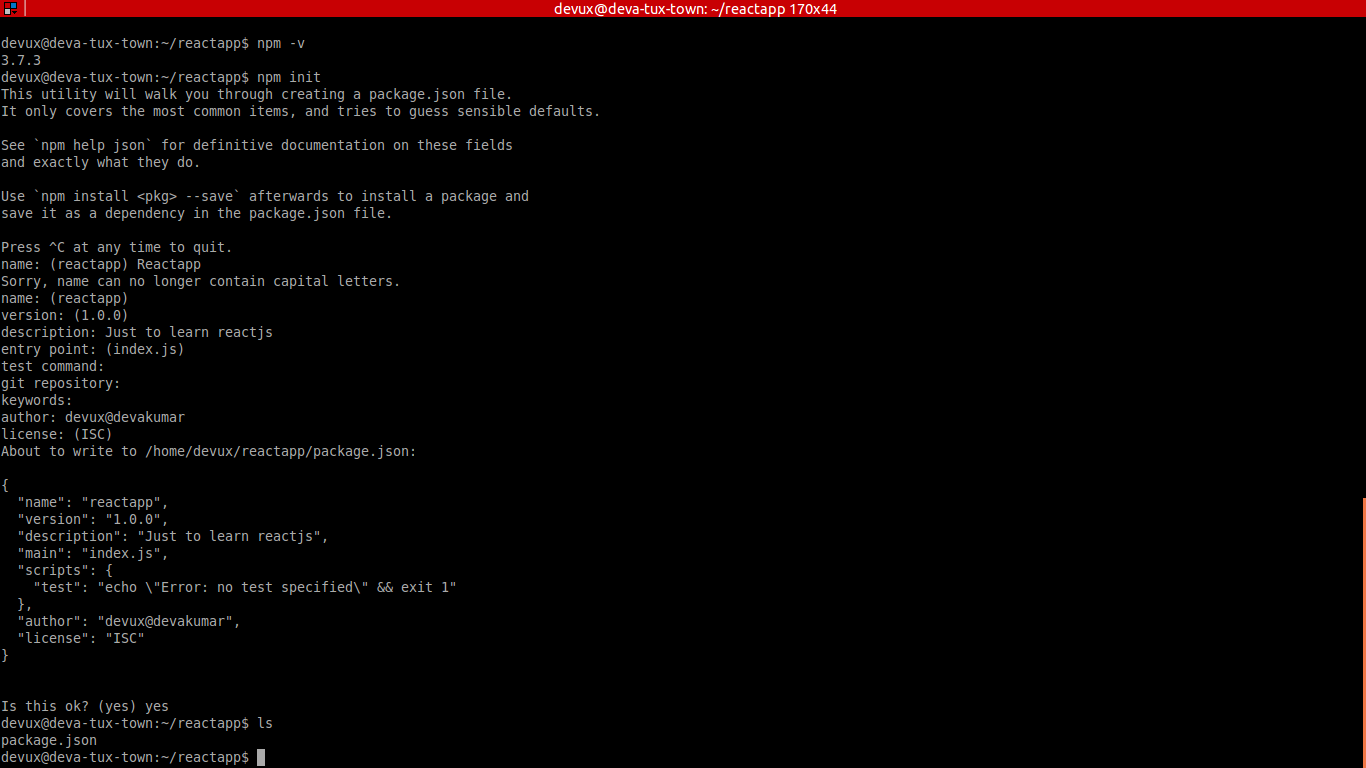
After entering this you should supposed to answer for some questions to make package.json file for your app.don’t worry about that you can also skip the qeustions by pressing enter.At the end package.json file created inside your app with the details which you have given during previous answering step.Yes now this becomes a node project.
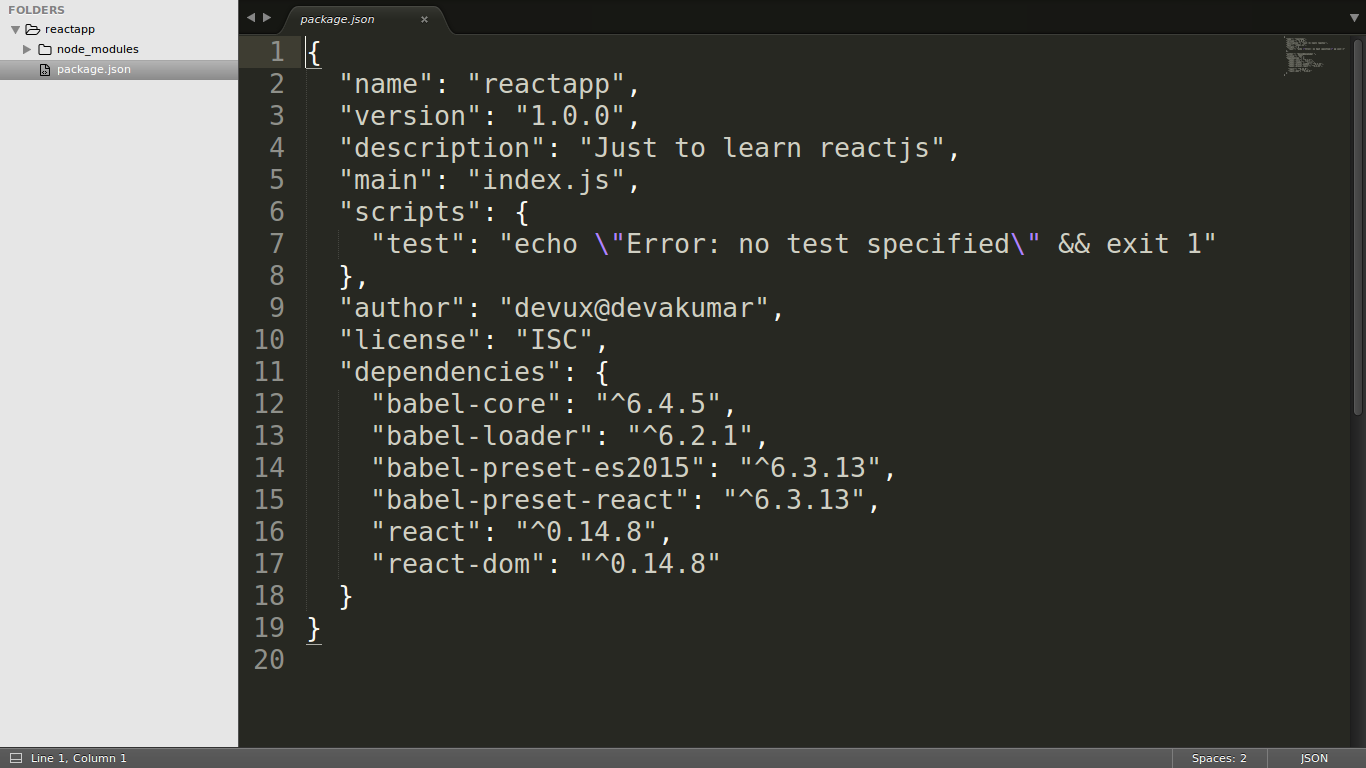
You can install react in this project by using the command
`npm install react
npm install react-dom`
If you want to save this configuraion in your package.json file you can use the command as
npm install --save react
npm install --save react-dom
If you want to install specfic version of react you can use the following command
npm install --save react@0.14.7
npm install --save react-dom@0.14.7
we will be writing some script in react which is not in the format of javascript so babel is used to convert some form of script into javascript.
you can install babel in this project in the same way with some dependency
npm install --save babel-loader@6.2.1
npm install --save babel-core@6.4.5
npm install --save babel-preset-es2015@6.3.13
npm install --save babel-preset-react@6.3.13
After doing this you can open your package.json and see the difference that npm packages are listed inside dependency with this package.json file you can install all the packages using this command
npm install
let create a new directory(folder)
mkdir public
cd public
lets create a html file called index.html
touch index.html
Have some simple html in that file
/public/index.html
<!doctype html>
<html>
  <head>
    <meta charset="UTF-8">
    <title>Hello React</title>
  </head>
  <body>
    <div id="hello"></div>
    <script src="bundle.js"></script>
  </body>
</html>
Dont worry Im don’t want to bore you by explaining each step of react compenent I’m just pasting simple HelloWorl react component here
mkdir app
cd app
mkdir component
cd component
touch Main.js
your Main.js should look like this
import React from 'react';
import ReactDOM from 'react-dom';

class Hello extends React.Component {
  render() {
    return <h1>Hello Devux this is my first React App</h1>
  }
}
ReactDOM.render(<Hello/>, document.getElementById('hello'));
By the same way you can install webpack
npm install --save webpack
After installing webpack you just create a file called webpack.config.js which contails some configuration details
Entry point: entry point of reactjs component
Output: path to file where to save converted form of javascript
Module: dependency confugured
you webpack.config.js looks like this
module.exports = {
  entry: './app/component/Main.js',
  output: { path: __dirname, filename: 'public/bundle.js' },
  module: {
    loaders: [
      {
        test: /.jsx?$/,
        loader: 'babel-loader',
        exclude: /node_modules/,
        query: {
          presets: ['es2015', 'react']
        }
      }
    ]
  },
};
use this command for webpack compilation process
webpack -w
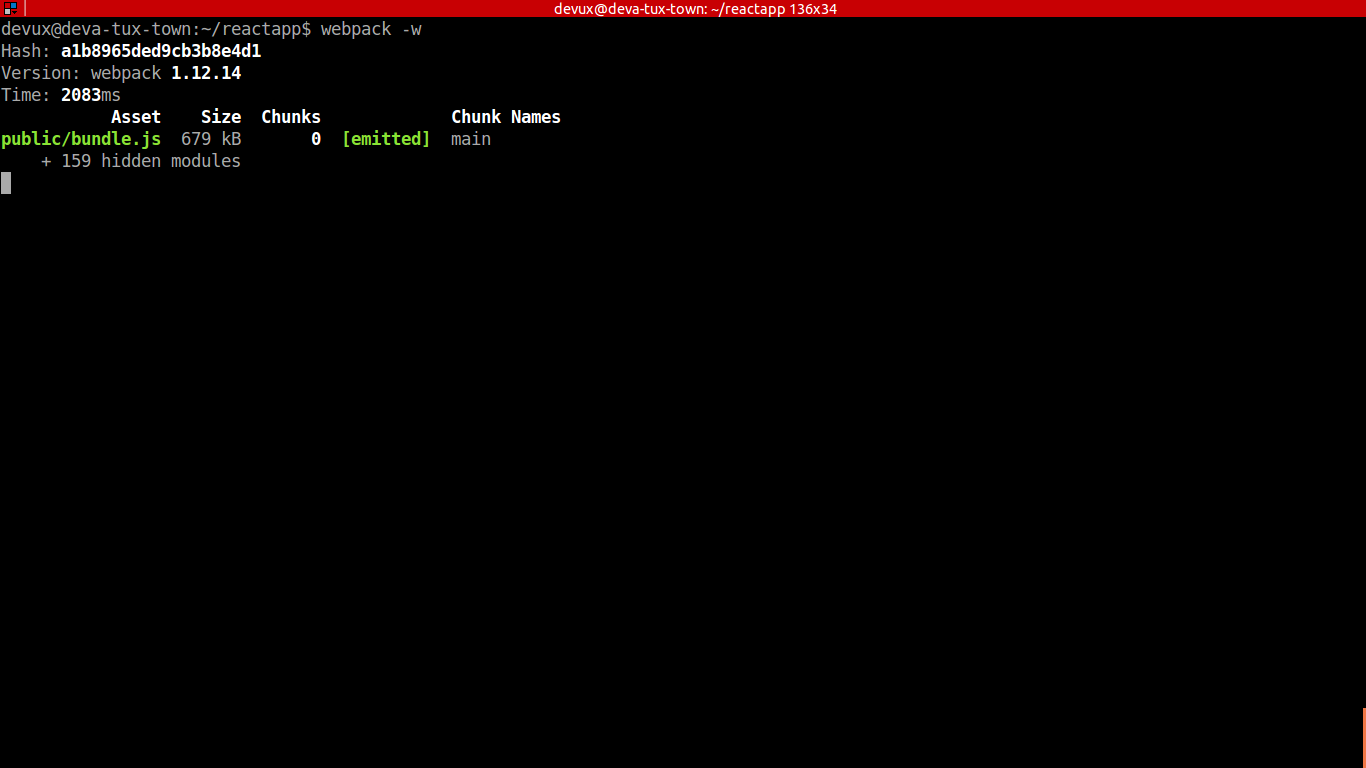
After this a bundle.js file will be created inside public deirectory as we mensioned in webpack.config.js
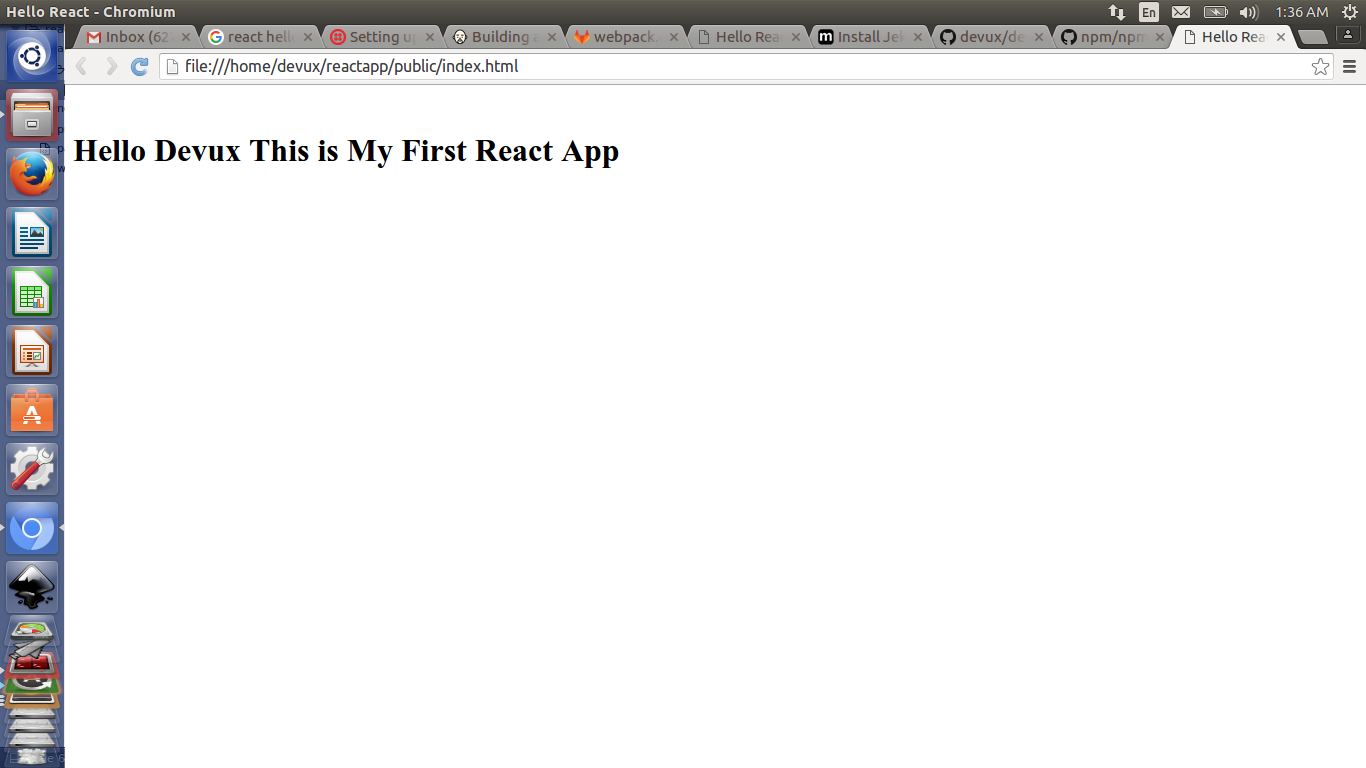
Now you can the index.html with browser
and see the result in browser like this
I will write more blog on react while I’m learning…………
********